Newsletters and RSS belong in the same library as everything else
Newsletters pile up in email. Good links pile up in tabs. RSS lives in yet another app. “Read later” falls apart when every source has its own pile.
ReadMeliora is one library for clips, forwards, and feed posts. Same reader, same highlights, same search.
Forward mail in
Each newsletter you care about can send to your ReadMeliora address. Issues show up as unread items, like anything you saved from the web.
Set the address and allowed senders under Settings → Emails. docs.readmeliora.com has the step-by-step if you want it.
Feeds
Add RSS or Atom under Settings → Feeds. New posts arrive as they publish. You do not need a feed app plus a read-later app.
One reader
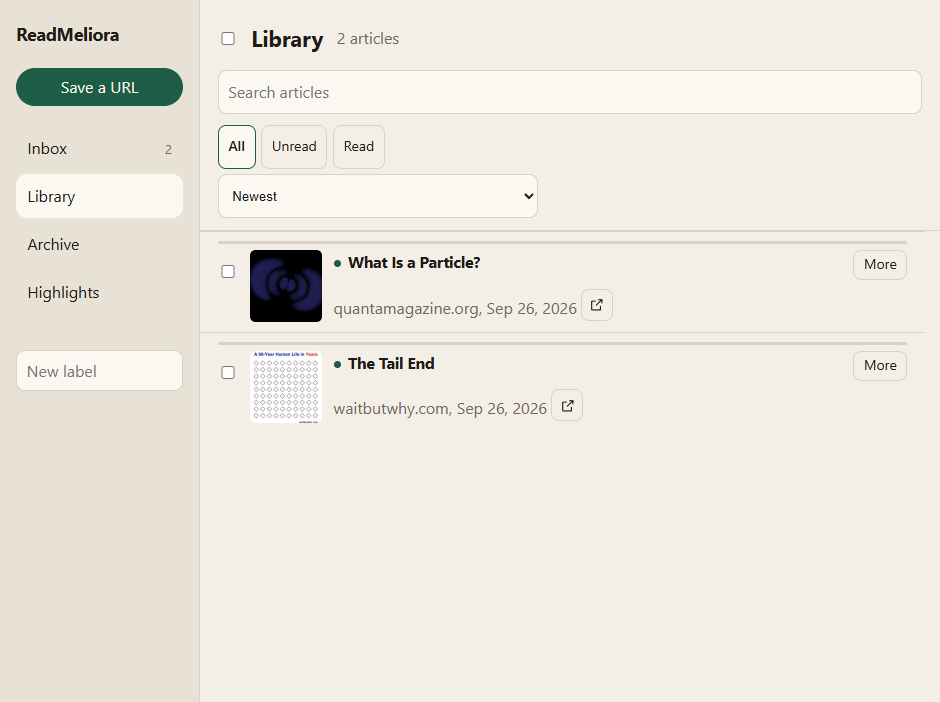
Clip, forward, or subscribe: you still open a cleaned page, change type size, turn on focus mode, mark read when you are ready. Labels and search do not care where the item came from.
You will still clip from the browser with the extension. Feeds and forwards are extra doors into the same room.
What we do not do yet
We do not import an old Pocket or Omnivore export for you, and we do not auto-dedupe two saves of the same URL. We are focused on one library going forward, not migrating every archive you ever had.
Pick one newsletter
Choose one you always skip in email. Forward the next issue, or subscribe to its feed if it has one. Read that issue in ReadMeliora before it disappears under newer mail.